
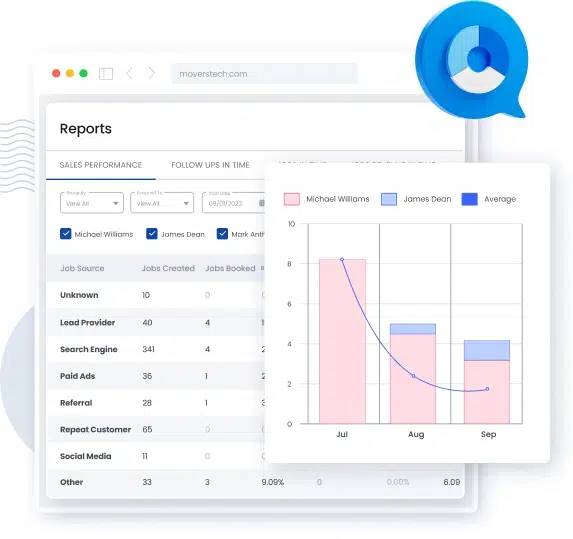
The moving company reports that matter most fall into four groups: financial (profitability, cash flow, payroll), sales (lead source, conversion), operations (service efficiency, materials, claims, compliance), and customer/marketing (satisfaction, website, demographics). Each one answers a specific question — where margin leaks, which lead sources pay off, which crews run over estimate. A moving CRM like MoversTech generates all of them from the data your team already enters, so the numbers are current instead of reconstructed at quarter-end.
Most moving companies collect plenty of data and act on very little of it. The gap isn’t effort — it’s visibility. The right moving company reports turn scattered jobs, invoices, and leads into decisions you can make on a Monday morning, not three months after the season ends.
Report
What it shows
Decision it drives
Profitability
- Margin per job, per service type, per branch
Cash flow
- Money in vs. out, receivables aging
Payroll
- Sales commissions and crew hours vs. estimate
Lead source
- Cost and conversion by channel
Conversion rate
- Estimates sent vs. jobs won
Service efficiency
- Actual vs. estimated time and cost per job
Claims
- Volume, cause, and cost of damage claims
Customer satisfaction
- Review scores and repeat/referral rate
| Report | What it shows | Decision it drives |
|---|---|---|
| Profitability |
|
|
| Cash flow |
|
|
| Payroll |
|
|
| Lead source |
|
|
| Conversion rate |
|
|
| Service efficiency |
|
|
| Claims |
|
|
| Customer satisfaction |
|
Which moving company reports should you track?
A moving company should track reports across four areas: money, sales, operations, and customers. Together they cover the full job lifecycle — from the moment a lead comes in to the final invoice and the review that follows. You don’t need dozens of dashboards. You need the handful of moving company reports that each answer one operational question and point to one decision.
The reports below are grouped that way. For each, the useful part isn’t the number itself — it’s the threshold that tells you when to act.
Financial reports that protect your margins
Financial reports are where most moving companies find money they were already losing. These three tell you whether the work you’re booking is actually profitable.
Profitability reports
A profitability report breaks margin down by job, service type, and branch instead of showing one blended number. Watch gross margin per job: if long-distance jobs clear 35% and local jobs sit under 15%, your pricing or crew allocation is off. Flag any service line that drops below your target margin two months running — that’s a pricing conversation, not a one-off.
Cash flow and financial health
Cash flow reports track money in against money out, plus how long invoices sit unpaid. The number to watch is receivables aging: once invoices routinely pass 30 days, growth starts eating your cash even while revenue looks healthy. Reviewing this weekly during peak season prevents the classic busy-but-broke squeeze.
Payroll for the sales team and crew
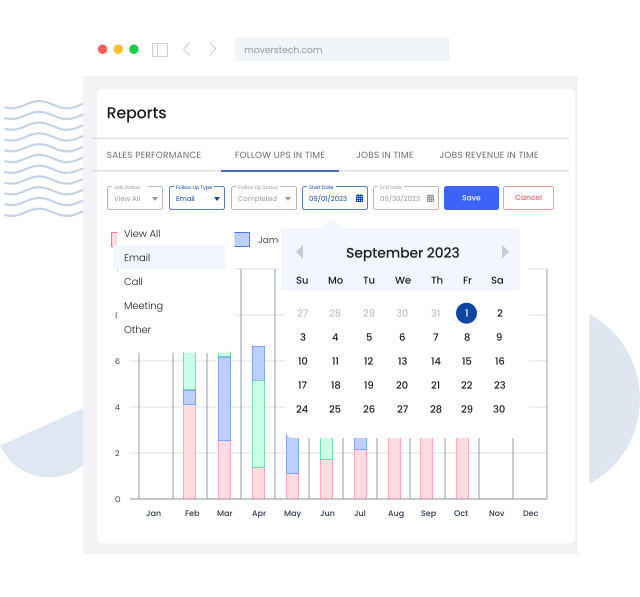
Payroll reports connect what you pay to what was actually booked and completed. For crews, compare paid hours against estimated hours per job — if actual hours exceed the estimate by more than 15% on a regular basis, either the estimates are wrong or the jobs are being mis-scoped. For sales, tie commission to closed revenue so the payout and the booking always match.
Sales and lead reports
Sales reports show whether the money you spend to get customers is coming back. This is usually the fastest place to improve profit without touching operations.
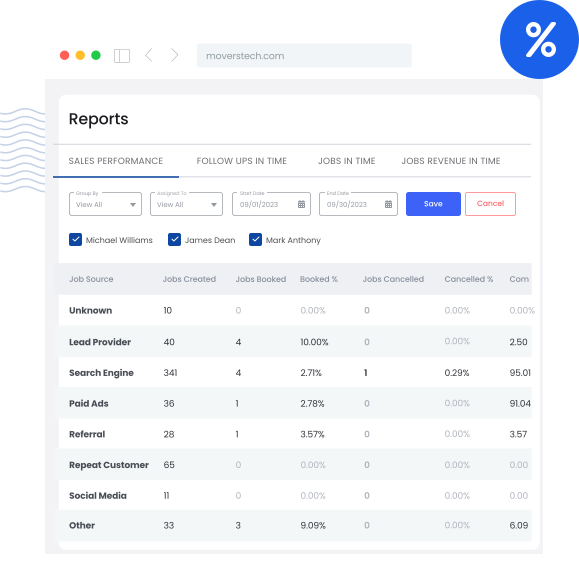
Lead source and channel reports
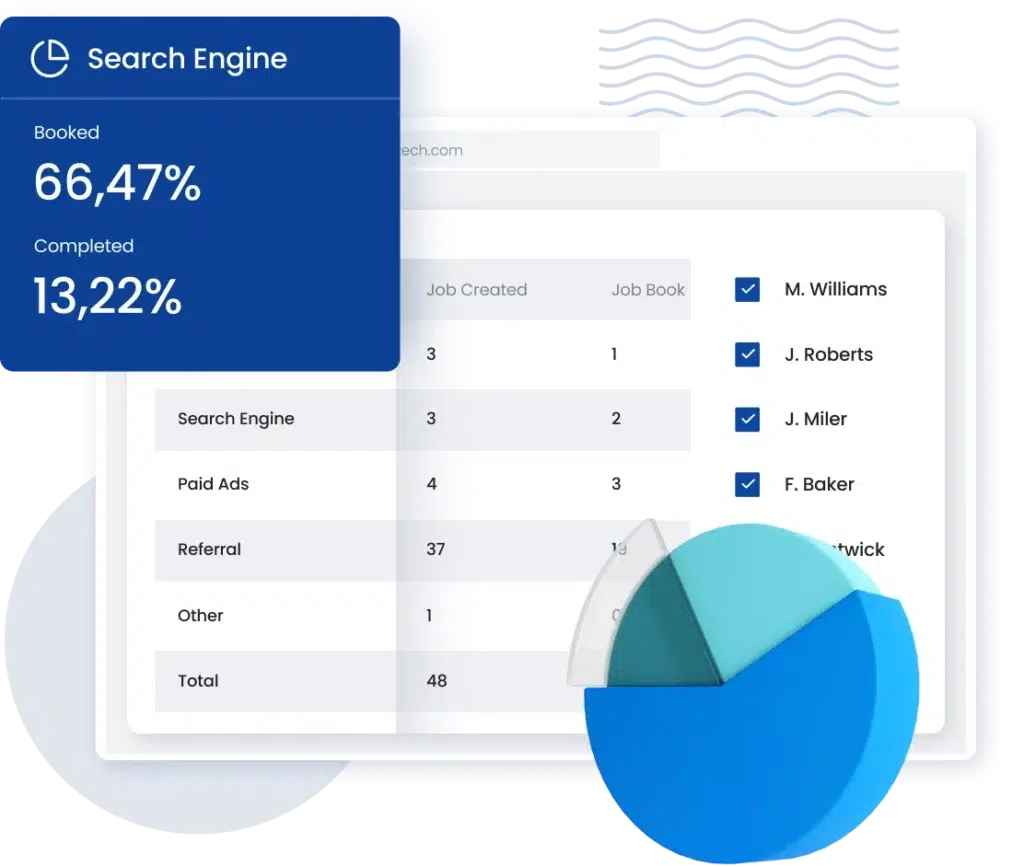
A lead source report shows cost and conversion for each channel — Google Ads, aggregators, directories, referrals. The metric that matters is cost per booked job, not cost per lead. A channel with cheap leads that rarely close is more expensive than a pricey channel that converts. Move budget monthly based on what actually books. Strong lead capture is what makes this report trustworthy in the first place — if leads aren’t logged consistently, the numbers lie.
Conversion rate reports
Conversion reports show where deals fall out between first contact and signed job. Track estimates sent versus jobs won, and time-to-first-response. If conversion drops sharply after the estimate stage, the problem is follow-up speed or pricing clarity, not lead quality. Most lost moving jobs are lost in the follow-up, not at the source.
Operations reports
Operations reports tell you whether the jobs you booked are being delivered the way you priced them. Gaps here quietly erase the margin the sales team earned.
Service efficiency
Service efficiency reports compare actual time and cost per job against the estimate. A consistent overrun on a specific job type means the estimate template needs fixing. Reviewing this by crew also surfaces training gaps before they turn into refunds.
Packing materials and inventory
Materials reports track what’s used per job against what’s charged for. If material costs climb without matching job volume, you’re either under-billing or losing inventory. Tie material use to the job record so every roll of tape and box has a home.
Claims reports
A claims management report logs volume, cause, and cost of damage claims. The pattern matters more than the total — if most claims trace to one crew, one job type, or one warehouse step, that’s a fixable process, not bad luck. Track claim cost as a percentage of revenue and hold it steady as you scale.
Compliance and safety
Compliance reports track licensing, insurance, and vehicle and driver records against renewal dates. The single job of this report is that nothing lapses. One expired credential can shut down operations mid-season, so surface upcoming expirations 60 days out.
Customer and marketing reports
These reports tell you whether service quality and demand are holding up as the business grows.
Customer satisfaction
Satisfaction reports pull review scores, survey responses, and repeat/referral rate into one view. Repeat and referral rate is the real signal: if it slips while revenue rises, service quality is thinning out. Consistent customer communication throughout the job is the biggest driver of the scores this report tracks.
Website traffic and engagement
Website reports show where visitors come from and which pages turn into inquiries. Focus on the pages that generate quote requests, not raw traffic. Rising visits with flat inquiries usually points to a booking-form or messaging problem, not a traffic problem.
Demographics
Demographic reports show who your customers actually are — location, move type, home size. Use them to concentrate marketing where you already win and to spot service areas worth expanding into. Guessing your customer base is expensive; the data is already in your job records.
How does reporting software for moving companies generate these?
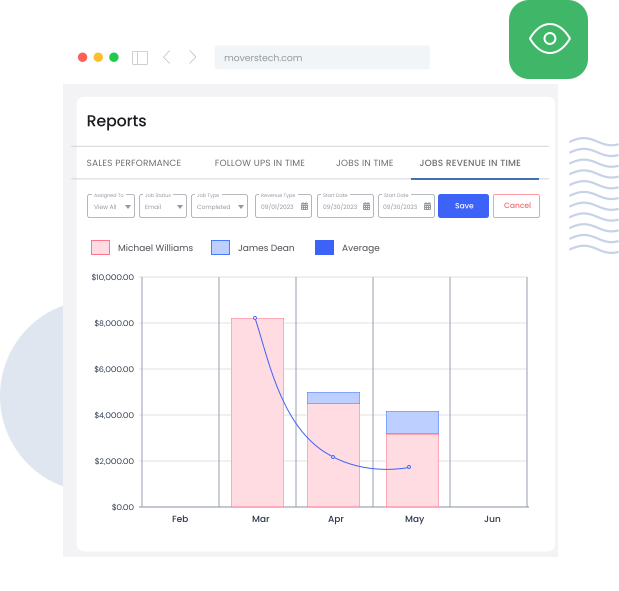
Reporting software for moving companies builds these reports automatically from the data your team enters during normal work — leads, estimates, dispatch, invoices, claims. Nothing is recompiled by hand at month-end, so the numbers are current when you need to decide, not weeks stale. MoversTech pulls every report above from one system, which means profitability, payroll, and claims all draw on the same records instead of three disconnected spreadsheets. You can see how the reporting features in MoversTech map to each report type on the reports page. For the financial side, the U.S. Small Business Administration’s guidance on managing business finances is a solid baseline for what these reports should help you monitor.
Run every report from one system
Clear moving company reports are the difference between running your business on facts and running it on memory. When profitability, payroll, lead source, claims, and satisfaction all come from the same records, you stop reconciling spreadsheets and start making decisions. MoversTech CRM generates every report automatically, so the numbers are ready when you are. Book a demo to see your own operation’s reports in action.
Frequently Asked Questions
What reports should a moving company track?

A moving company should track profitability, cash flow, and payroll on the financial side; lead source and conversion on the sales side; service efficiency, materials, claims, and compliance in operations; and customer satisfaction, website performance, and demographics for marketing. These cover the full job lifecycle from first lead to final invoice.
What is a profitability report for movers?
A profitability report shows margin broken down by individual job, service type, and branch rather than as one blended figure. It tells a moving company which work actually makes money after crew, fuel, and materials, so pricing and crew decisions are based on real margin instead of revenue alone.
How do moving CRMs generate reports?
A moving CRM generates reports automatically from the data entered during daily operations — leads, estimates, dispatch, invoices, and claims. Because every record lives in one system, reports stay current and consistent instead of being rebuilt from separate spreadsheets at the end of each month.
How often should a moving company review its reports?
Cash flow and lead source reports are worth reviewing weekly, especially in peak season, because they move fast and drive spending decisions. Profitability, payroll, and claims reports are typically reviewed monthly, and compliance reports whenever a renewal date approaches.
What is the difference between moving company reports and move management reports?
Moving company reports measure the performance of a moving business — its jobs, margins, and customers. Move management reports refer to corporate or property relocation coordination, a different field entirely. This article covers the reports a moving company runs to manage its own operations.
